Make every comparison easier to scan.
Compare multiple products side by side in a responsive WordPress table, highlight a top editorial pick, and reuse your comparisons wherever they’re helpful.
Everything that matters, side by side.
Keep information organized without sacrificing a polished presentation.
Compare products
Show multiple products, useful feature highlights, and product-specific calls to action.
Learn how it works →Spotlight a pick
Use a featured label when you have good editorial reasons to recommend a product.
Learn review writing →Reuse anywhere
Publish the saved table once and place the shortcode in multiple posts or pages.
View shortcode guide →See AzlinkPRO Tables in action.
This working example compares five portable induction cooktops. The table below is generated by the installed plugin—not a mockup.
Top 5 Portable Induction Cooktops
Compare the key features, then see current product details and pricing on Amazon.
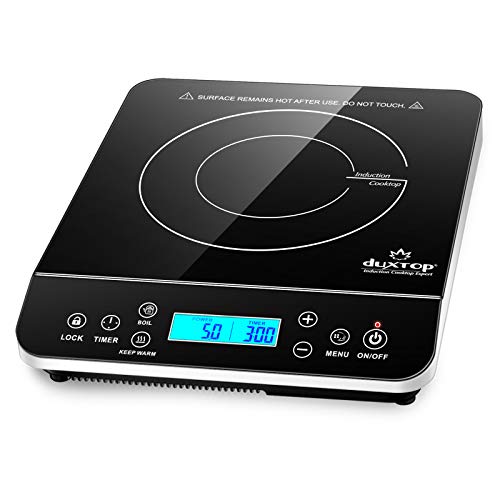
- 1,800 watts
- 20 power and 20 temperature settings
- Touch controls and LCD
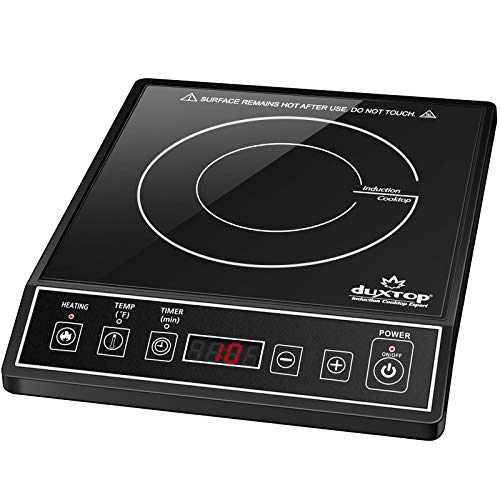
- 1,800 watts
- 15 power and 15 temperature settings
- Angled control panel
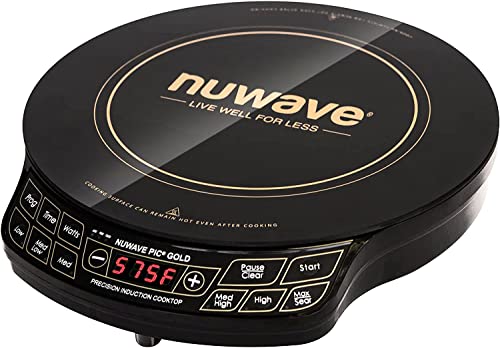
- Up to 1,500 watts
- 51 temperature selections

- 1,800 watts
- 18 power settings and 17 temperature settings

- 1,800 watts
- 8 power settings and 8 temperature presets
As an Amazon Associate, we may earn a small commission from qualifying purchases.
Build your first comparison in four steps.
You can review and adjust the content before it appears in an article.
Open Tables
In WordPress admin, open the AzlinkPRO Tables editor and create a descriptive new table.
Choose products
Add product details and verify imported information, images, and outbound links.
Publish and embed
Save or publish your table and insert its shortcode into a WordPress Shortcode block.
Shortcode example
[azlinkpro_table id="123"]