AZLINKPRO / TABLES
Comparison tables readers can actually use
Show several products side by side, spotlight your top pick, and keep buying guides easy to scan.
Everything in one comparison
Compare
Bring features and key differences into one responsive layout.
Highlight
Mark a featured product for extra editorial emphasis.
Reuse
Embed saved tables in any article with their shortcode.
Live example: induction cooktops
This live comparison is rendered by the installed AzlinkPRO – Tables plugin using its starter dataset.
Top 5 Portable Induction Cooktops
Compare the key features, then see current product details and pricing on Amazon.
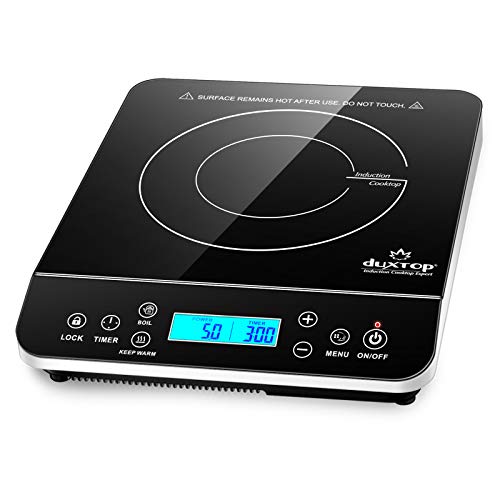
- 1,800 watts
- 20 power and 20 temperature settings
- Touch controls and LCD
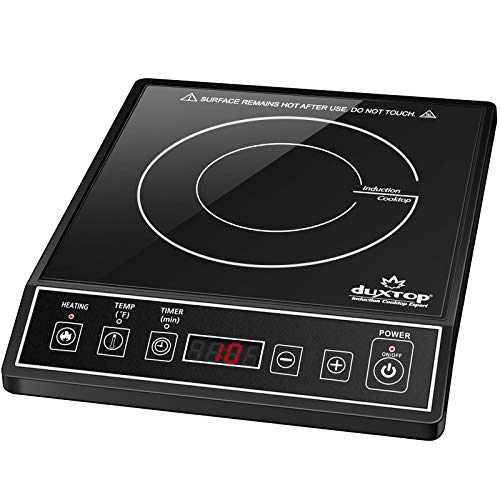
- 1,800 watts
- 15 power and 15 temperature settings
- Angled control panel
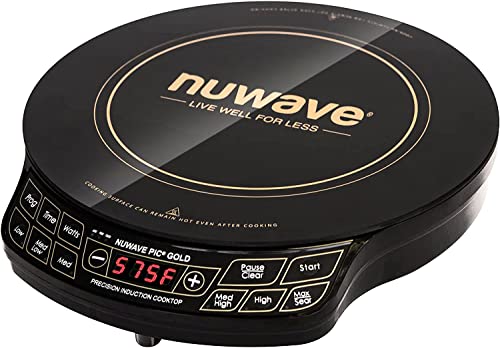
- Up to 1,500 watts
- 51 temperature selections

- 1,800 watts
- 18 power settings and 17 temperature settings

- 1,800 watts
- 8 power settings and 8 temperature presets
As an Amazon Associate, we may earn a small commission from qualifying purchases.
Create a table in four steps
1. Open AzlinkPRO – Tables in your WordPress dashboard.
2. Add product information, feature details and links.
3. Save the table and copy its shortcode.
4. Paste the shortcode into the WordPress editor and publish.